> For the complete documentation index, see [llms.txt](https://aicloud-docs.mygptmeta.com/llms.txt). Markdown versions of documentation pages are available by appending `.md` to page URLs; this page is available as [Markdown](https://aicloud-docs.mygptmeta.com/ai-yun-yuan-sheng-yan-sheng-ban/kuai-su-kai-shi.md).

# 快速开始

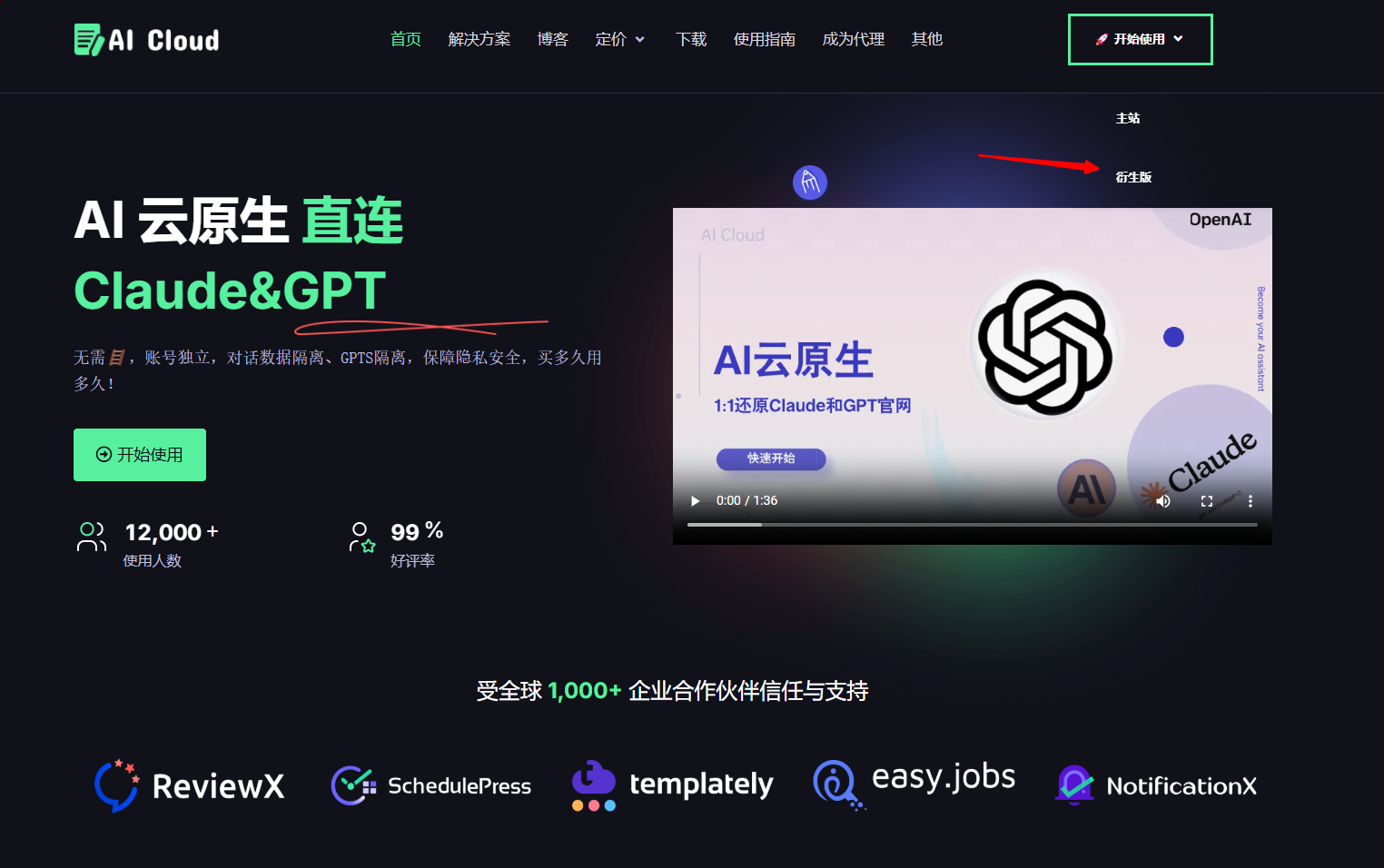
#### 1.点击开始

<figure><img src="/files/d6z9aABUKpZILrw2tOvY" alt=""><figcaption></figcaption></figure>

#### 2.注册/登录账号

<figure><img src="/files/ZIiUScUbh891VoY0xHuU" alt=""><figcaption></figcaption></figure>

#### 3.选择车队服务，选择那你需要切换的GPT或者Claude

<figure><img src="/files/EeQP6llIOiDs8VMqqNAY" alt=""><figcaption></figcaption></figure>

4.可以愉快的享用了

<table><thead><tr><th width="307">ChatGPT Plus</th><th>Claude Pro</th></tr></thead><tbody><tr><td><img src="/files/5LVAvEtyw3A6I3ML9xZj" alt="" data-size="original"></td><td><img src="/files/AJPDaq7KxOj8EnVfp3eZ" alt="" data-size="original"></td></tr></tbody></table>